Your phone. Your corner.
Run the timer from a phone or laptop. Keep coaching from the edge of the mat instead of walking back to a wall-mounted control.
MatTimer / Standalone training timer
Your attention belongs on the athletes. Control the clock from your phone or laptop while synced TVs and tablets keep the whole mat on the same beat.
Purpose-built for training. Works on its own, without MatConnect.
Built around your class
From fundamentals to hard rounds, give coaches control and athletes a clock they can see. Give your academy a setup that feels like it belongs there.
Run the timer from a phone or laptop. Keep coaching from the edge of the mat instead of walking back to a wall-mounted control.
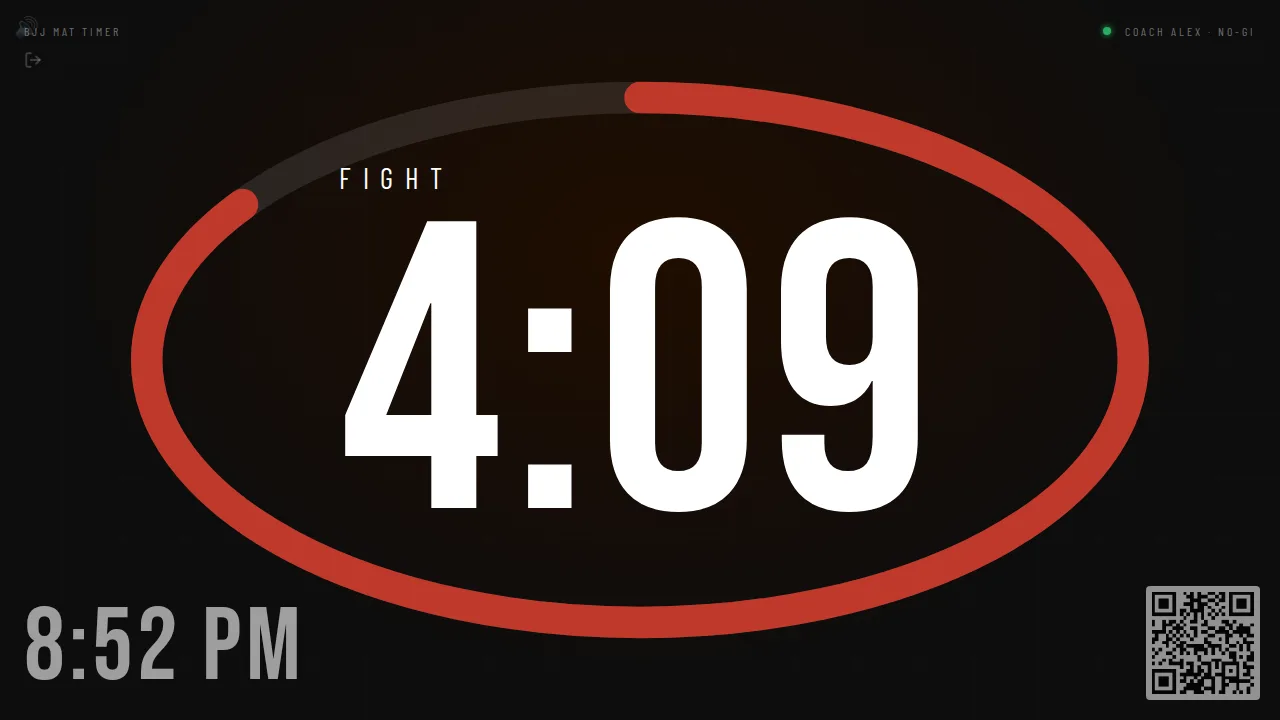
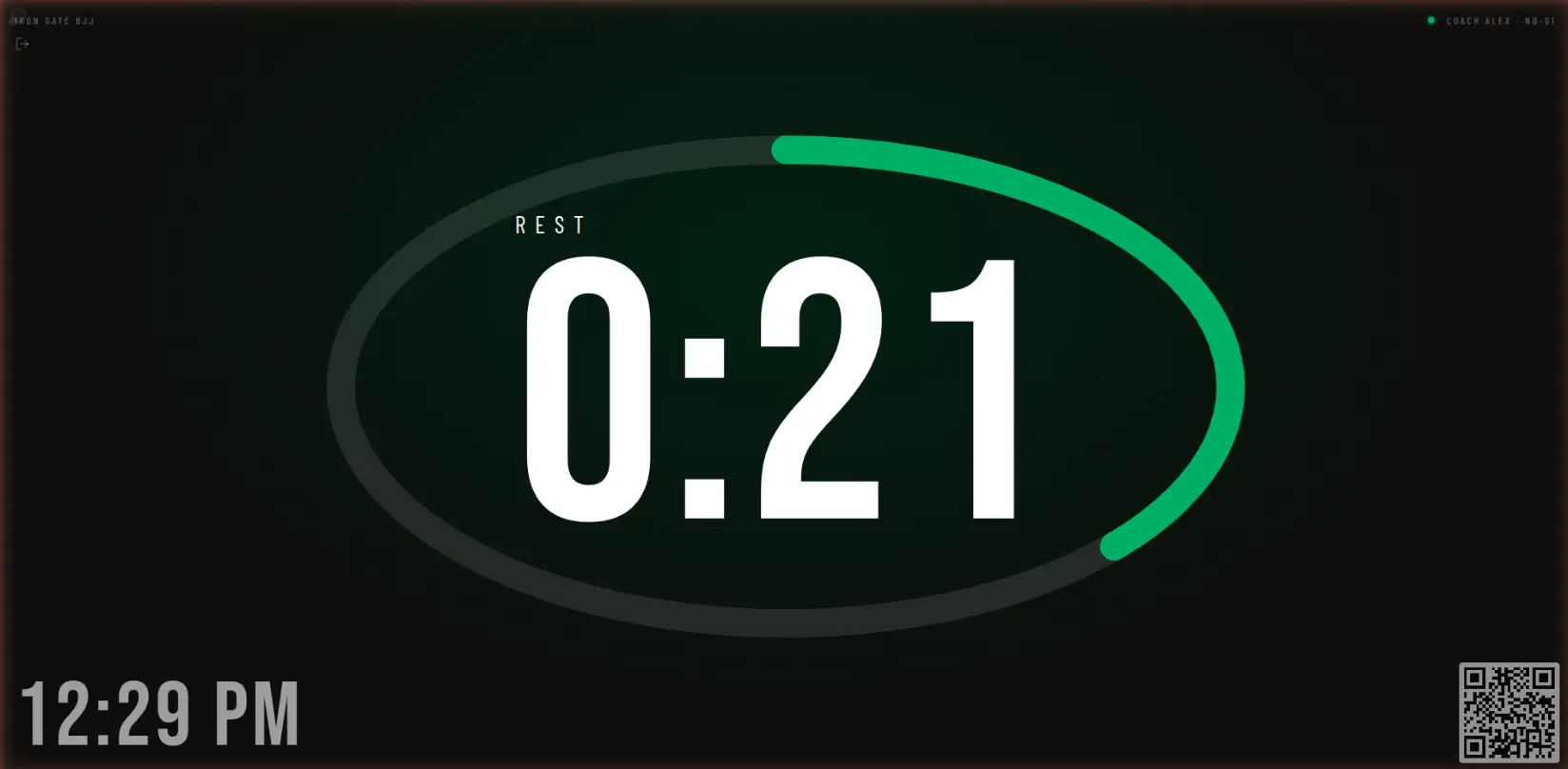
Wall TVs and tablets show the synced countdown in a browser, with a large display that makes the round and rest phases clear.
Choose round and rest durations for the session you’re teaching. Use sound cues to mark transitions without calling every change yourself.
Select multiple mats to run together on one timer. Coordinate a shared session across your training space from the controller.
Use coaching profiles for different class setups. Switch to the profile that fits the session instead of treating every class like the same workout.
Bring your gym’s branding to the display. The clock is part of your room, not an anonymous screen competing with your academy’s identity.
Training to match day
For scored matches, the IBJJF Competition profile brings a synchronized match clock and scoring to your selected mats.
The profile name describes the scoring rules used. It does not imply IBJJF endorsement or certification.
From setup to first round
A controller for the coach. A display for the athletes. A rhythm that fits your class.
Open MatTimer on your phone or laptop. Pick a coaching profile, choose the mat or mats, and set your round and rest times.
Open the display in a browser on a wall TV or tablet and connect it to the session. Position the screen where your athletes can read it.
Run the session from your controller while the displays stay synced. Let the countdown and sound cues carry the timing while you carry the coaching.
Before the first bell
Tell us about your mats, screens and coaching routine. We’ll talk through your setup.
A phone or laptop runs the controller; TVs or tablets show the timer through a browser. Plan for a reliable internet connection on the controller and displays so they can stay synced. A TV without a suitable browser needs a browser-capable device connected to it. Send us your screen and network details if you want to discuss compatibility.
No. MatTimer is a standalone product for running training sessions and scored matches. MatConnect is our separate flagship academy-management product for members, classes, payments and more. Choose the tools your academy needs.
Yes. Select multiple mats in the controller to run them together on one timer. Their displays share the session countdown. The Competition profile can also show the same synchronized match across selected mats.
Email hello@tatamitech.app with your gym name, number of mats and current display setup. Ask about MatTimer pricing, getting started or a specific setup question so we can discuss what fits your academy.
Let’s talk MatTimer
Tell us how you train. We’ll talk through MatTimer for your coaches, your screens and your mats.
Include your gym name, current timer and screen setup, and your interest in MatTimer. Interested in MatConnect too? Let us know.